Graphic design software is generally paid and requires fairly high-performance computers (in terms of RAM and CPU) to fully leverage all available features. Industry professionals are often reluctant to rely on tools other than those released by the most well-known software companies, first and foremost Illustrator. But what if there were some valid alternatives worth trying?
In today’s post, we present 5 useful free online graphic design software that can be used as an alternative to Illustrator for creating some of the same projects: Canva, Gravit, Vectr, Boxy SVG, Method Draw. Being web-based applications, they can be used anywhere and on any device without installation— an internet connection is all you need.
Outside the list, but still on topic, we would like to introduce our own solution for designing cardboard packaging.
Packly is the online application for creating vector dielines with custom dimensions. A professional tool to create boxes in just a few clicks: simply select the desired packaging type from those available on the website, choose the variant, enter the custom dimensions and the material thickness. After completing these steps, you can download the vector dieline of your packaging in PDF format. In addition to downloadable dielines, Packly offers a high-quality box printing service with custom graphics, no minimum order quantity, and a highly competitive price. Once you have downloaded the vector PDF, simply open it with graphic design software, apply your graphics, and save the file as a high-resolution PDF.
Canva
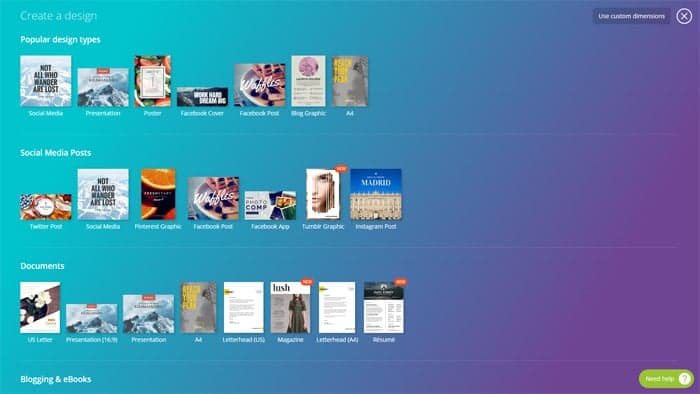
Canva is a highly useful graphic design and photo editing software. The application allows you to create fully customized vector graphic files while also providing a wide library of pre-set layouts and ready-to-use graphic elements that make the creation process easier, even for non-experts. Easy and intuitive, it is one of the most widely used online tools for creating vector designs. To use the app, you need to register (for free) on the platform. Created projects can be stored online in a dedicated section, shared with other users, and downloaded in various formats: JPG, PNG, standard PDF, and print-ready PDF.
Gravit
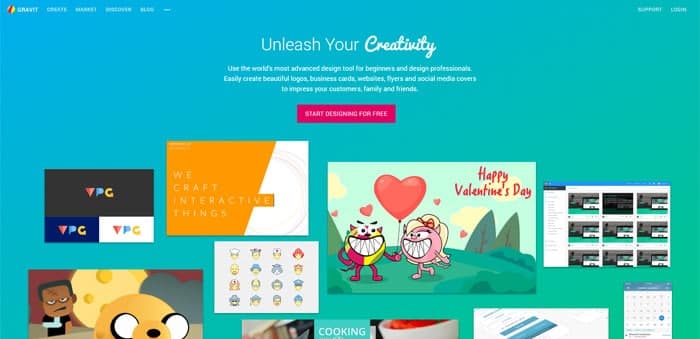
Gravit is a web platform for creating vector graphic files that is gaining significant popularity. In addition to being a valid graphic design tool, Gravit allows users to collaborate directly online by sharing their projects. The interface has been designed to be accessible to everyone, including non-professionals, and includes a useful support section (tutorials and documentation) for users who want to explore all the features and capabilities of the software.
Vectr
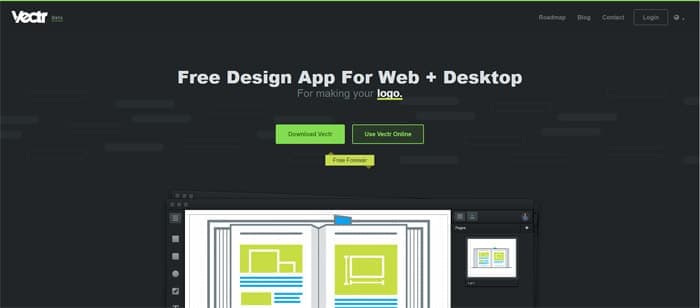
Vectr is a collaborative graphic editor recently launched that can be used both via browser and as a native app. Like the previous tools, Vectr is designed to work on any platform and provide a smooth and intuitive user experience thanks to its simplified interface. With this application, it is possible to create vector graphic projects (presentations, logos, brochures, business cards, mockups, web content, etc.) and share them in real time with other users via a dedicated URL. The created graphic files can also be embedded within your website: the source file will match the content displayed online and can be edited and updated directly within the application.
Boxy SVG
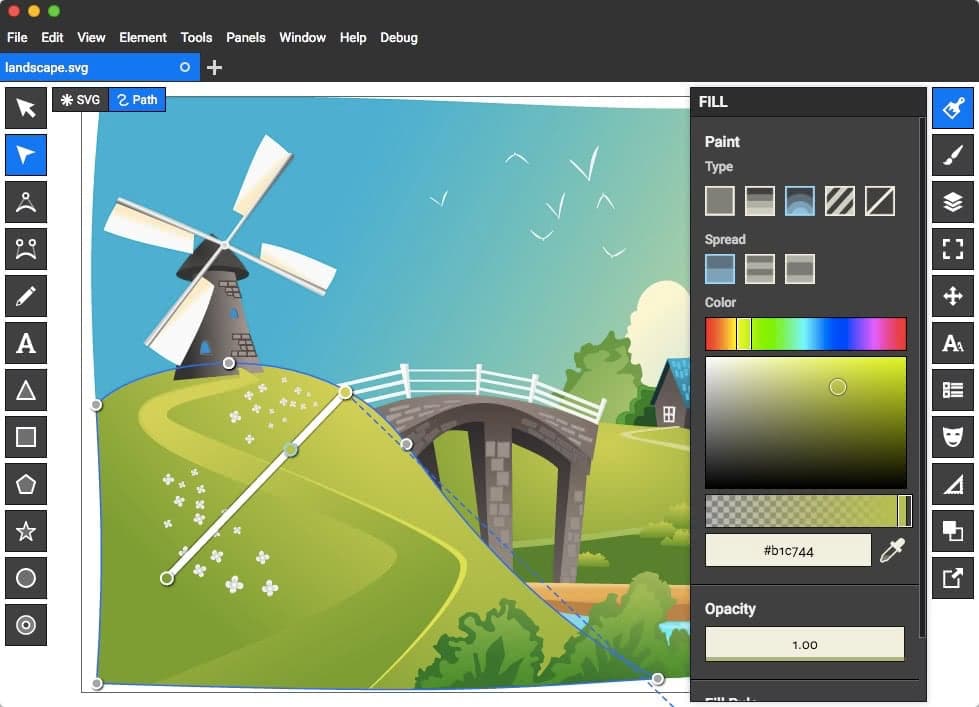
Boxy SVG is a vector graphic application developed for web platforms. Equipped with features similar to Illustrator—transform, group, manage layers, shapes, fills, and paths—it allows the creation of illustrations, banners, mockups, and any type of graphic project. The live version enables exporting projects in JPG and PNG, while installing the application within the browser allows saving files in SVG format.
Method Draw
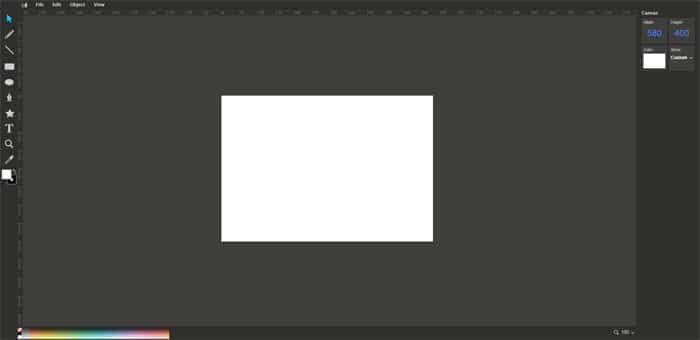
Method Draw is a graphic editor for creating and editing vector SVG files in a simple and completely free way. SVG images are commonly used for creating logos or graphic elements that need to be scalable to any size and are usually created using expensive graphic design software. Method Draw provides users with some of the basic features needed to create this type of file at no cost, enabling anyone to produce vector files of this kind.
Try these 5 useful vector graphic design software: it’s free, and you might find powerful allies for your work.